
How to Keep Track of Tools Across Multiple Vans and Jobs
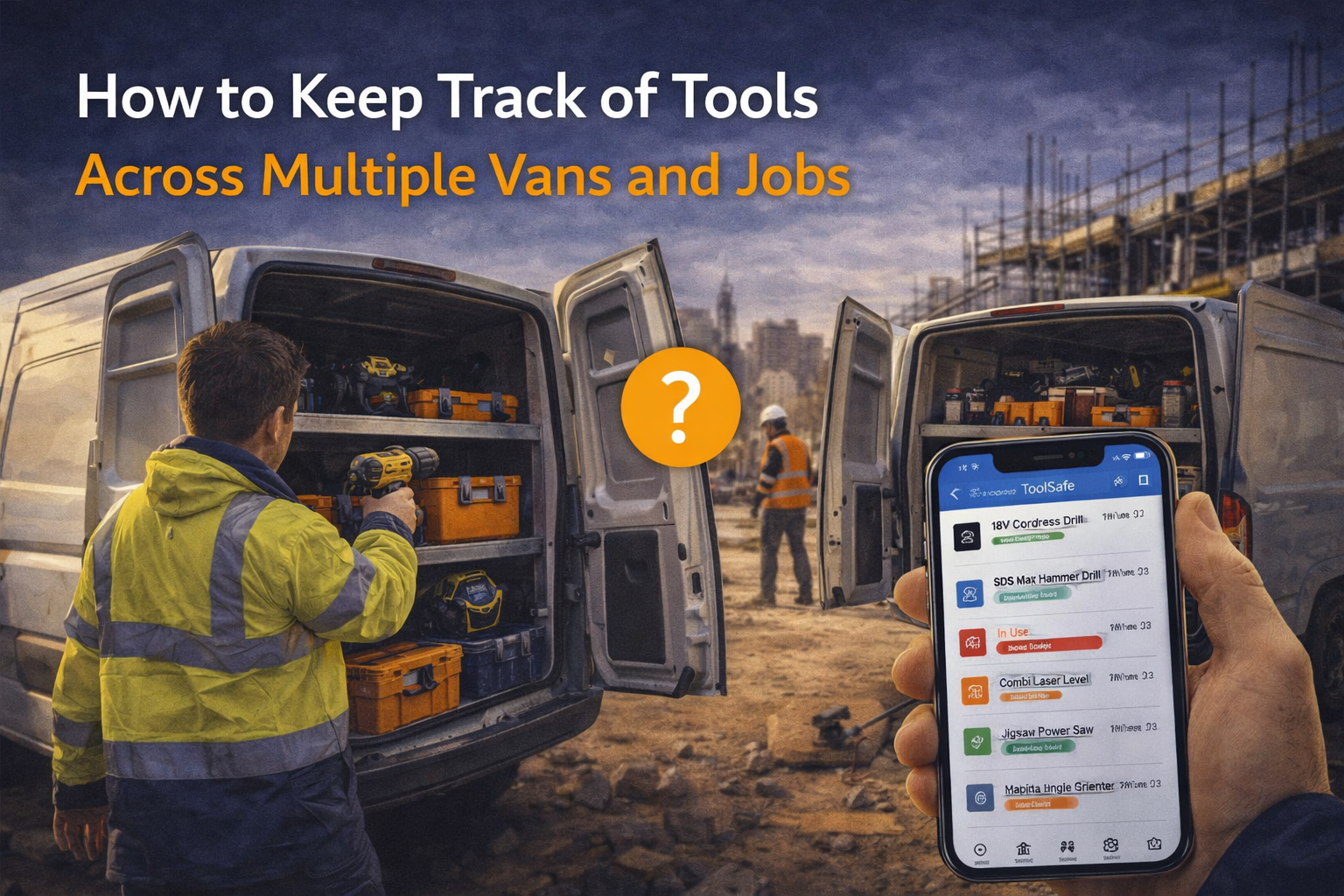
When you’re working on one job with one van, keeping track of tools is fairly straightforward.
You know where things are.
You know who’s using them.
And if something goes missing, it’s easier to spot.
But as soon as your business grows, things change.
More vans.
More jobs.
More people using the same tools.
And suddenly, it becomes much harder to keep track of everything.
Why this becomes a problem
Tools don’t stay in one place anymore.
They move between:
vans
job sites
storage
team members
A drill might start the week in one van, move to a different job midweek, and end up somewhere else entirely by Friday.
Without a clear system, it becomes difficult to answer simple questions like:
Where is this tool right now?
Who has it?
Was it returned?
Is it even still on the job?
That’s where confusion starts.
The common signs you’re losing control
Most businesses don’t notice the issue straight away.
It shows up in small ways:
tools being “somewhere” but not easy to find
team members asking around for equipment
delays because the right tool isn’t on site
tools turning up in unexpected places
duplicate purchases because something couldn’t be found
These are all signs that tools are moving — but not being tracked properly.
Why memory stops working
When tools are constantly moving, memory isn’t enough.
Even with a small team, it’s easy for things to slip:
someone borrows a tool and forgets to mention it
a tool is left on site at the end of the day
a van gets unloaded and items get mixed up
jobs overlap and tools are shared
Nobody is doing anything wrong.
There’s just no clear system to follow.
What a better system looks like
To manage tools across multiple vans and jobs, you need visibility.
At any point, you should be able to answer:
what tools you have
where they are meant to be
who is responsible for them
whether anything is missing
That’s the difference between guessing and knowing.
Simple ways to improve control
You don’t need to overhaul everything overnight.
Start with a few practical steps.
1. Assign tools to locations or people
Instead of tools floating around, assign them to:
a van
a job
or a person
That creates accountability.
2. Keep a central tool register
Have one place where all tools are recorded.
Not:
separate lists
different spreadsheets
or memory
One clear source of truth.
3. Update movements regularly
When tools move, update their location.
This doesn’t need to be complicated — just consistent.
4. Focus on high-value tools first
If tracking everything feels like too much, start with:
expensive tools
frequently used tools
tools that move between jobs
That’s where most issues come from.
5. Make it easy for the team
If the system is difficult to use, it won’t be used.
Keep it simple, quick, and accessible.
Why this matters for growing businesses
As soon as you have:
multiple vans
multiple jobs
multiple people
The risk of losing track increases.
Without a system, growth creates more confusion.
With a system, growth becomes easier to manage.
A better way to stay organised
This is where having the right setup makes a difference.
Tools like ToolSafe are designed to help trade businesses:
track tools across vans and jobs
update locations easily
keep records in one place
improve accountability across the team
So you always know where things are — without relying on guesswork.
Final thought
Losing track of tools is not usually caused by one big mistake.
It’s the result of small gaps in visibility over time.
The more your tools move, the more important it is to have a system that moves with them.
Get started
If you want a simple way to track tools across multiple vans and jobs: